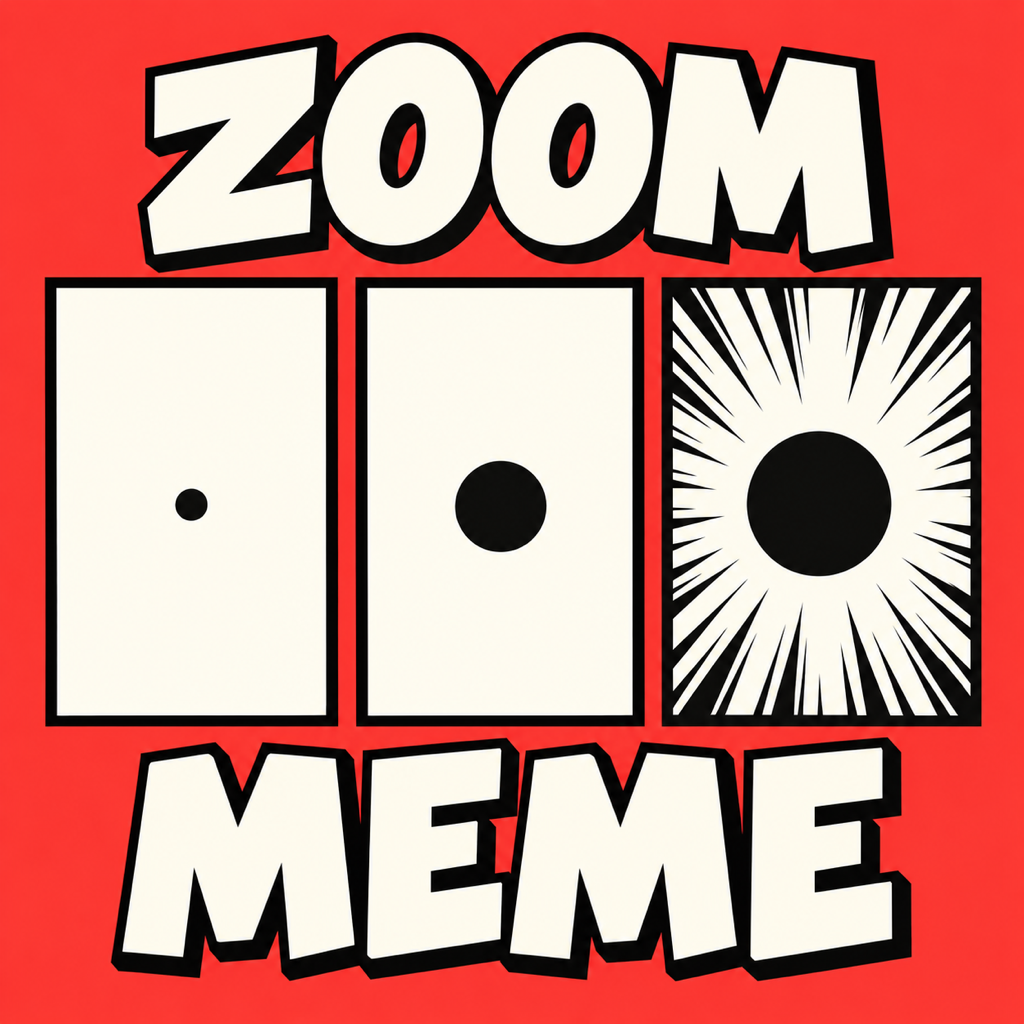
Triple Take
One photo. Three surprises.
How to Use
- Choose a photo, or try the bundled sample.
- Tap or drag on the first panel to select the detail to reveal.
- Adjust focus, zoom, and manga speed lines while previewing all three images.
- Save three photos or one joined image to Photos, then post them using your preferred app.
Support and Privacy
Editing happens on your device, without an account, advertising, or analytics SDKs. If saving is denied, allow Triple Take to add photos in iOS Settings. Saved images remain in Photos until you delete them there.
Compatibility: iOS 17.0 or later
For support, contact Keisuke.Karijuku@gmail.com.